 Download
The Ultimate Tool for Eyebrow Symmetry Measurement
Specially crafted for microblading and micropigmentation professionals.
Simple 6-Step Usage Guide:
Step 1: Launching the Application
Tap the BeautyPro Symmetry App International icon on your device's screen to begin.
Step 2: Facial Alignment
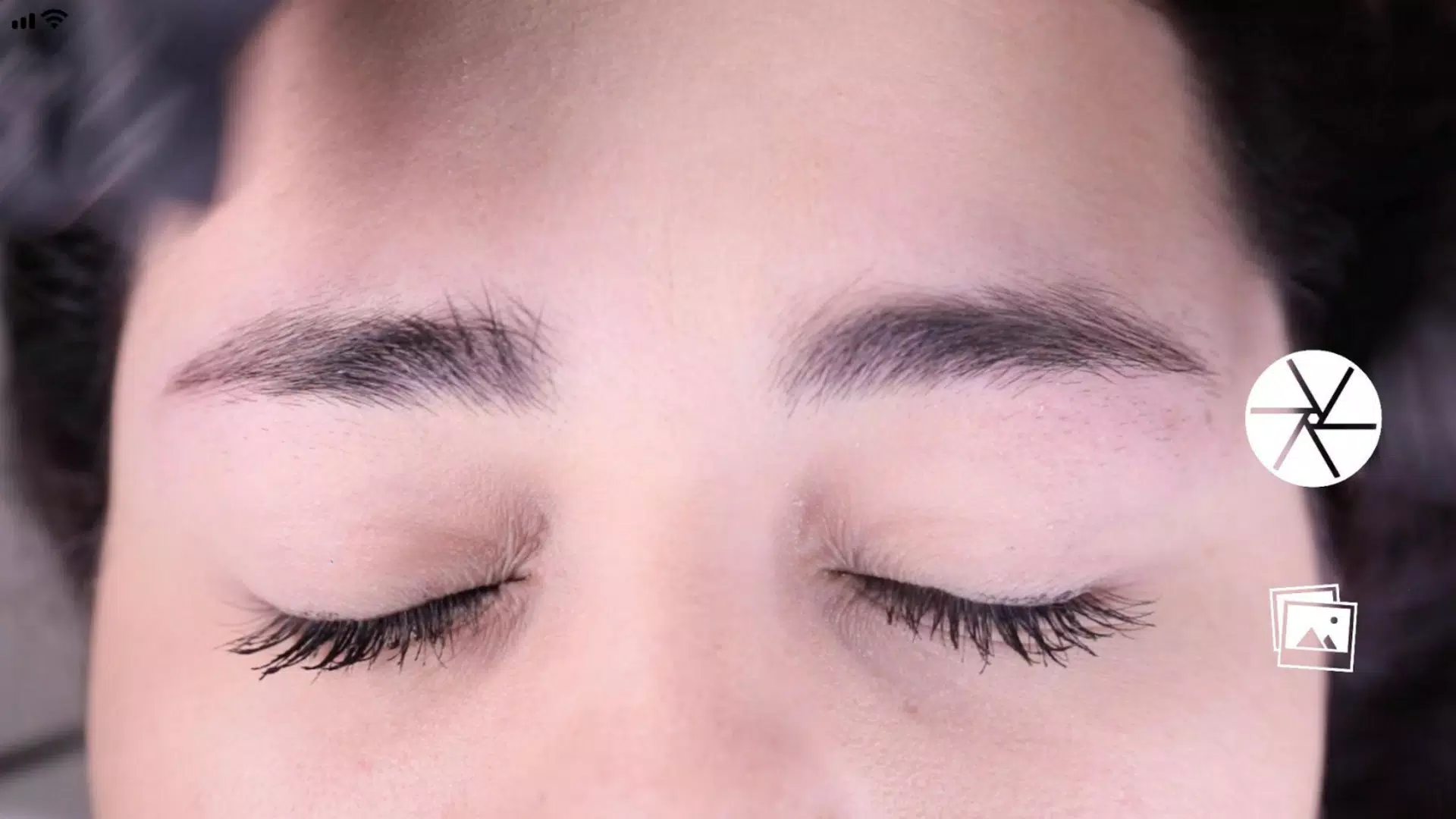
Hold your phone horizontally and frame the face using the guide lines. Position the two horizontal lines at the eyebrow arches (point 2) and align the central vertical line with the marked center of the nose bridge.
Step 3: Taking the Photo
With proper alignment achieved, capture the image using the central button located on the right side of the screen.
Step 4: Utilizing the Grid Function
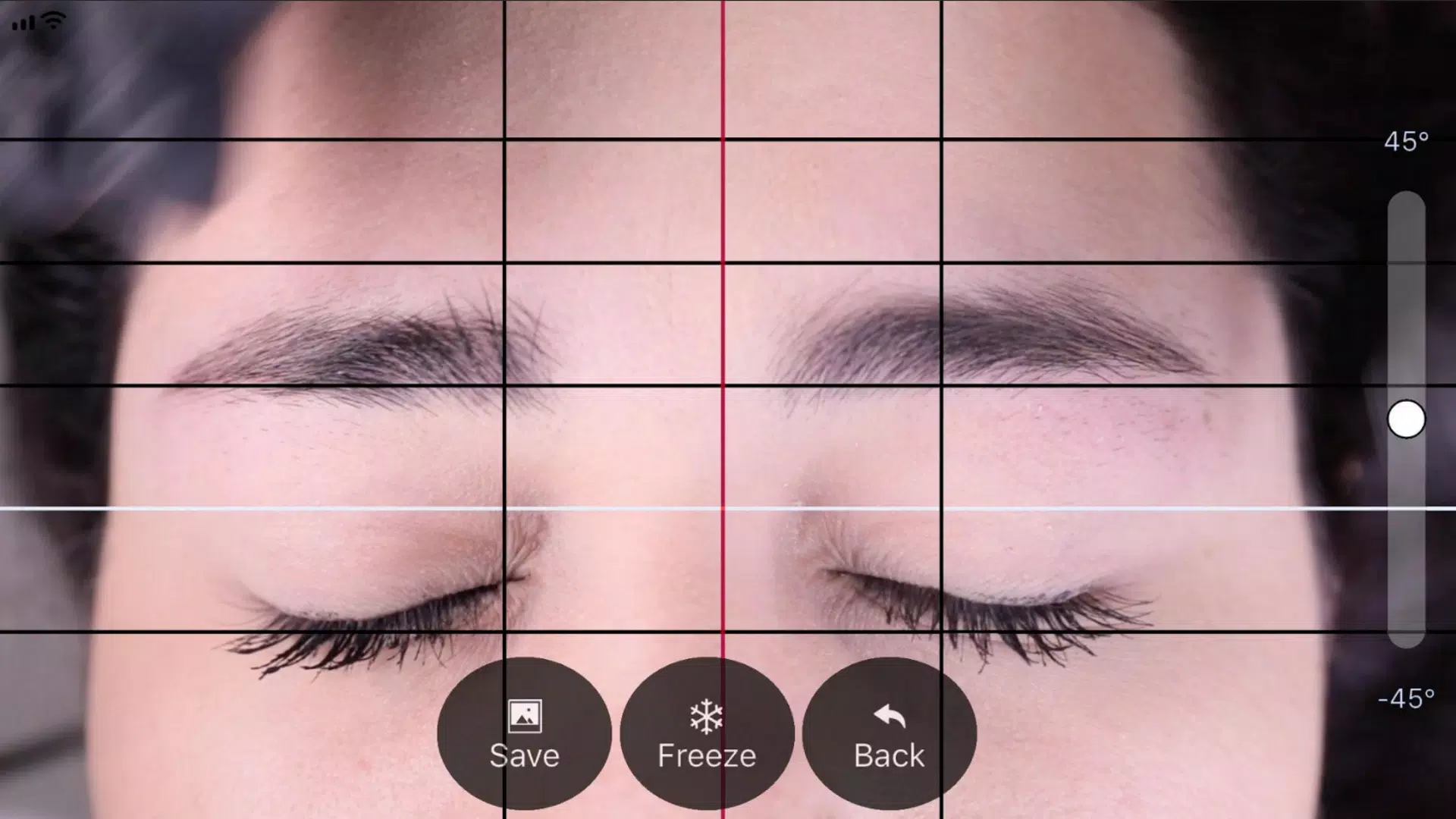
The captured image will display four black horizontal lines and one white line. Activate the "Grid" function by tapping its corresponding button to freeze and adjust these lines.
Step 5: Vertical Line Adjustment
Adjust the vertical grid lines consisting of a red centerline and two black side lines. Position the red line on the nose bridge center mark, then use the black lines to define eyebrow spacing.
Step 6: Fine-Tuning Image Settings
Refine your image by:
- Rotating for level adjustment (using the right-side slider)
- Zooming in/out (using two-finger pinch gesture)
Step 7: Finalizing Your Work
Once all lines are perfectly positioned:
- Press "SAVE" to store in your device gallery
- Press "BACK" to discard and restart