 Download
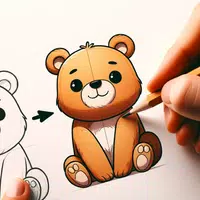
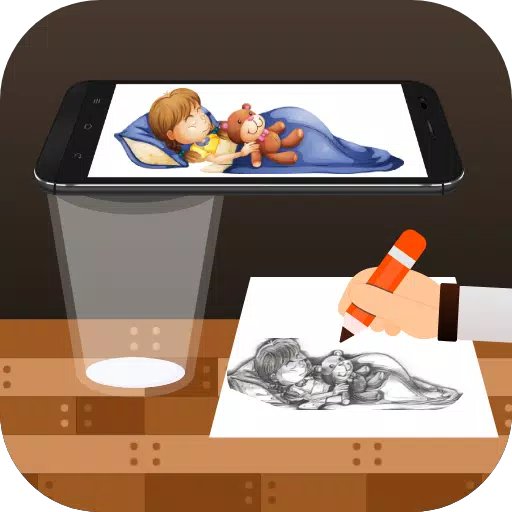
Transform any image into a sketch by tracing it onto paper using your phone's camera.
Draw, Trace & Sketch is a creative app that turns any photo or artwork into outline drawings. Simply use your phone's camera to trace the image you see directly onto paper – an easy way to learn drawing or improve your sketching skills.
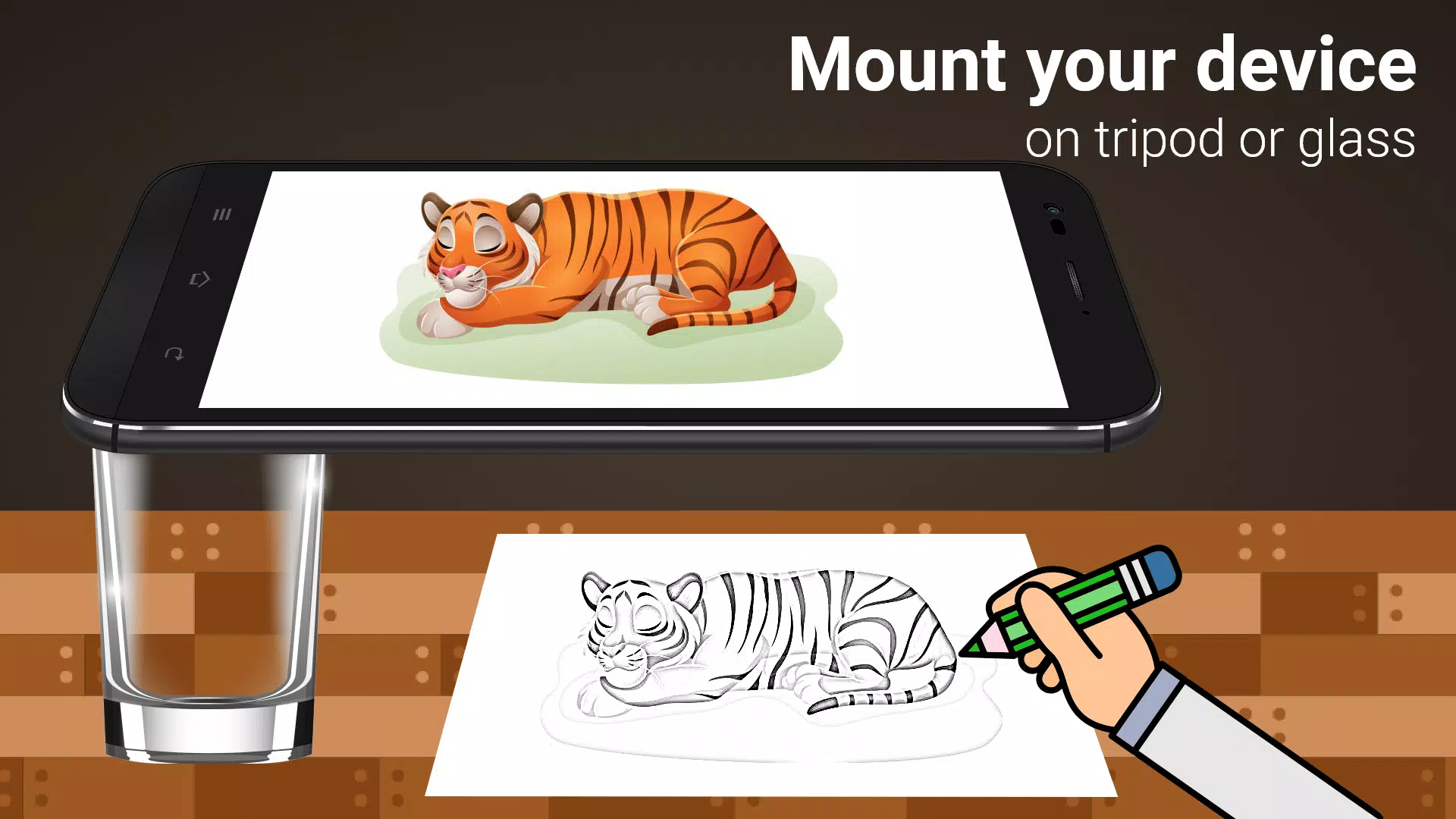
The app makes tracing simple: pick a picture from the gallery or a built-in sample, apply a tracing filter, and your phone screen will show the image overlaid on the camera view. Hold your phone about a foot above the paper and start sketching what you see.
Main Features:
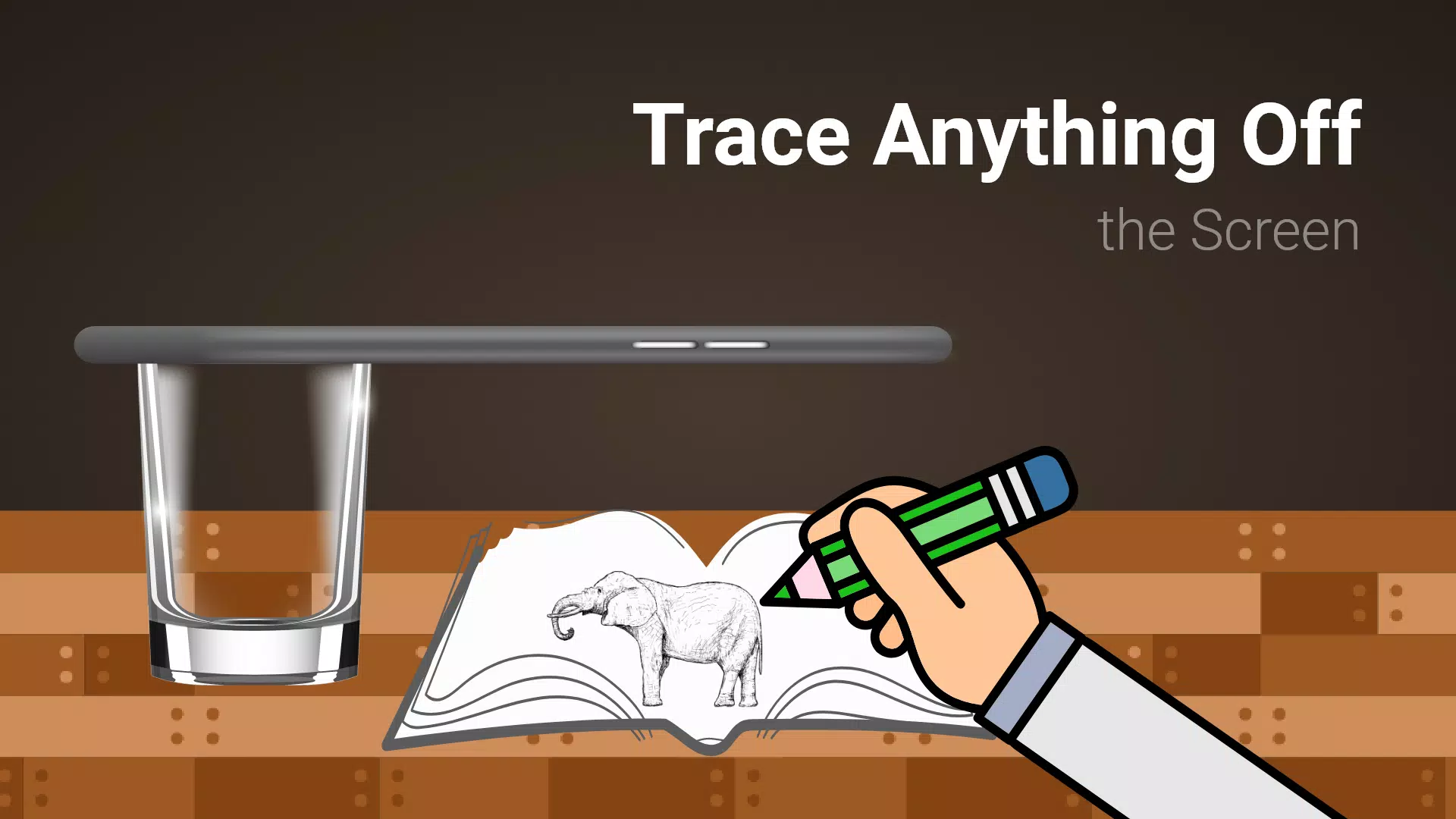
- Trace any image from your phone screen using the camera view – the picture doesn't print on paper, but you can copy it exactly.
- Draw on paper while watching a transparent version of the image on your live camera feed.
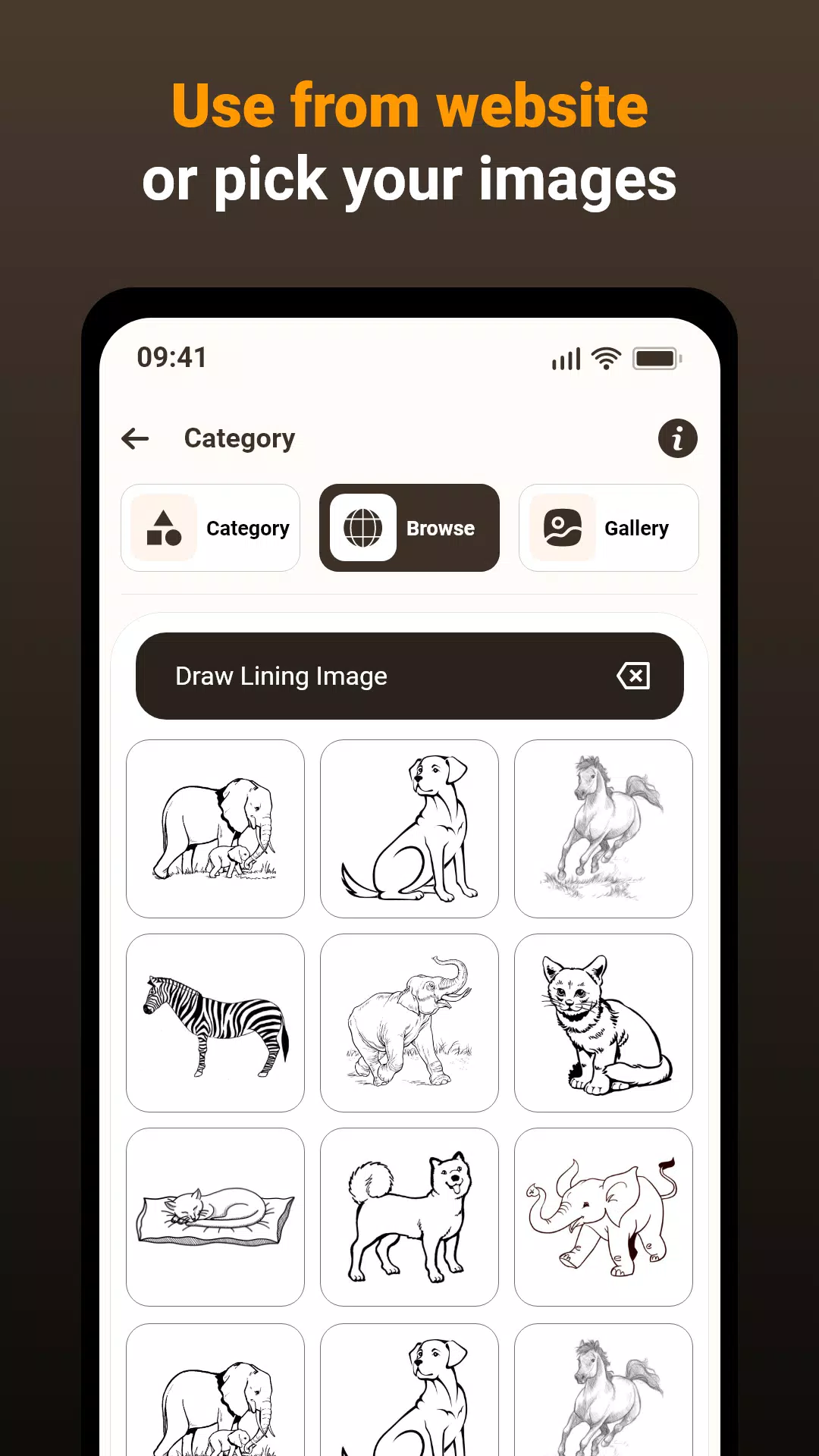
- Practice with sample images included in the app to build your drawing confidence.
- Choose photos from your gallery, turn them into traceable outlines, and sketch them on blank paper.
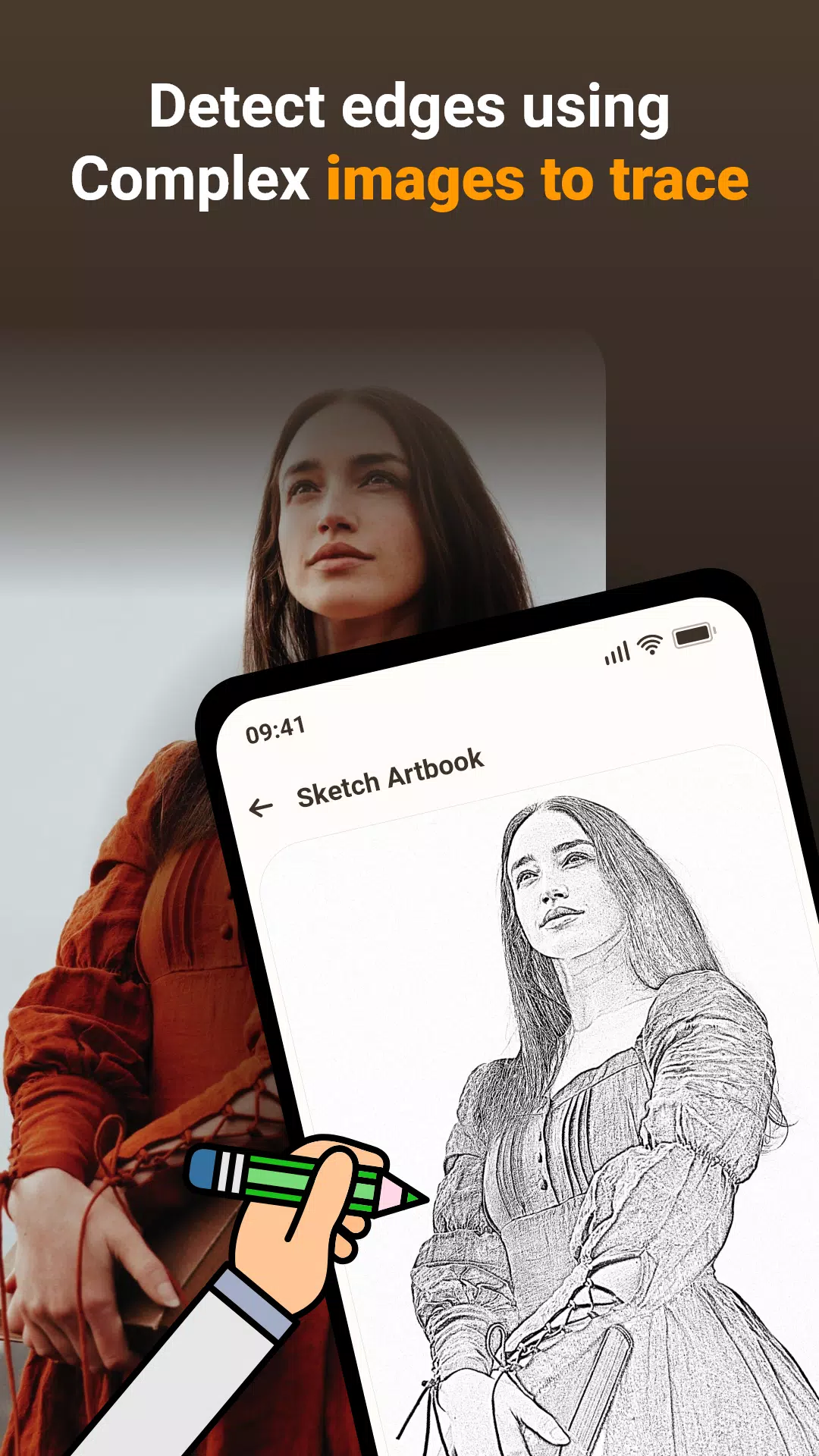
- Adjust image transparency or convert photos into line art for easier tracing.
This app helps you draw better by projecting images from your phone onto paper through augmented reality. Here's how it works:
1. Image Selection:
Pick an image from your gallery or take a new photo with your camera.
2. Applying Filters & Camera Display:
Apply a tracing filter to see a transparent overlay on your camera screen. Place paper underneath and trace the lines.
3. Tracing onto Paper:
While the image doesn't physically appear on the paper, you see it through your phone as a guide to trace.
4. Drawing Process:
Sketch on paper while following the transparent image displayed on your phone.
5. Converting Images:
Turn any photo into a traceable outline with adjustable transparency.
Image Tracing:
The app projects images through your phone's camera, letting you redraw them accurately on paper.
Transparent Image:
The camera overlay shows your image semi-transparently, aligning it with your paper for precise tracing.
Real-time Tracing:
Draw directly on paper while watching the real-time camera feed with your image overlay for perfect replication.
Sample Images:
Practice with built-in sample images to develop your tracing technique and artistic confidence.
Gallery Images:
Use your own photos by converting them into traceable images – perfect for personalizing your artwork.
This app bridges technology and traditional drawing, offering an effective way to practice sketching using real references. It's ideal for beginners learning to draw or artists wanting to expand their skills.
What's New in the Latest Version 1.0.5
Last updated on Mar 15, 2024
Bug fixes and performance improvements