 Descargar
EV Time: Charging Station Operator – Version 1.7.4 Update Summary
Last Updated: November 5, 2024
Welcome to the most advanced and user-centric electric vehicle (EV) charging experience yet. With Version 1.7.4, we’ve reimagined how drivers find, evaluate, and manage their charging journeys — all from one intuitive platform.
✨ What’s New in Version 1.7.4?
We’ve introduced powerful new tools to help you charge smarter, faster, and with greater confidence. Whether you're planning a long road trip or just need a quick top-up, your EV journey just got smoother.
🗺️ Enhanced Interactive Map Experience
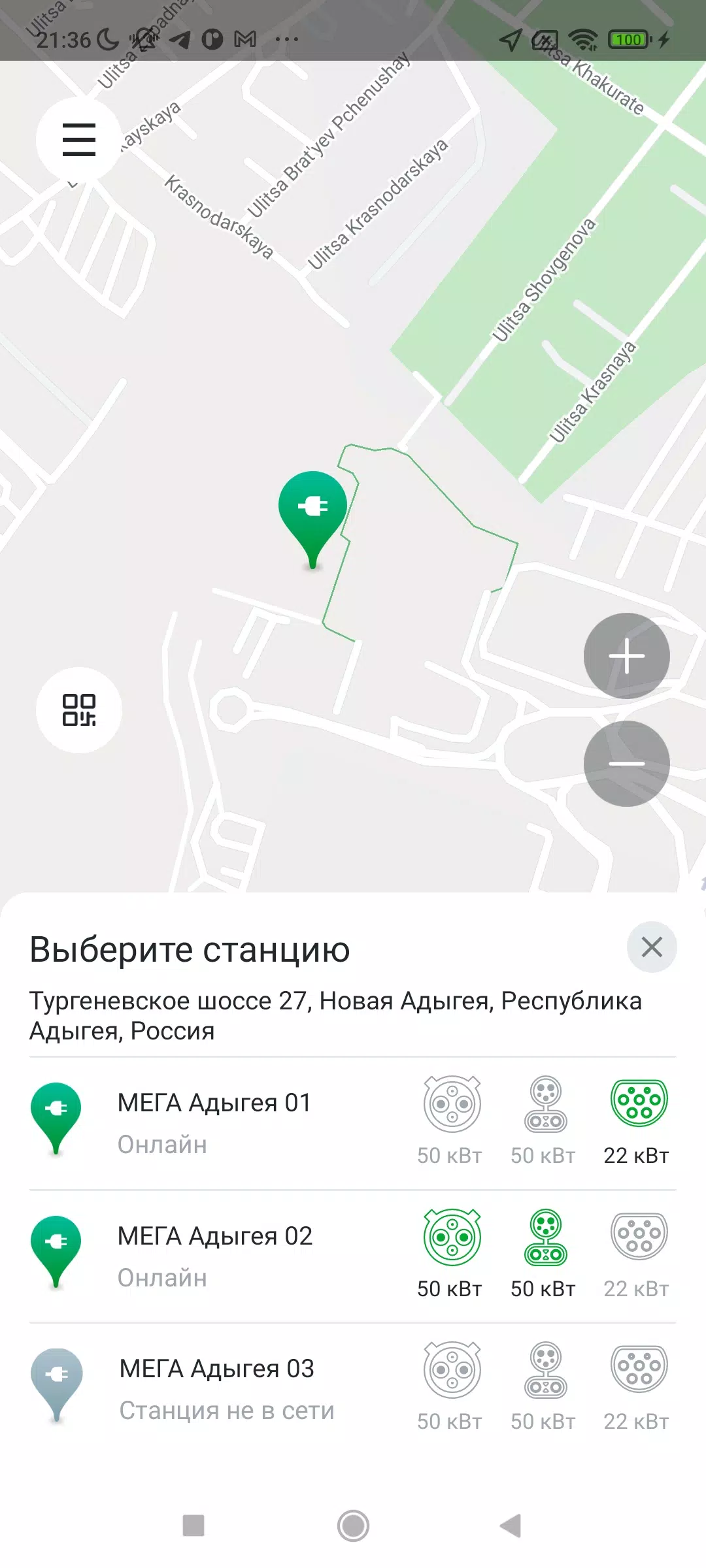
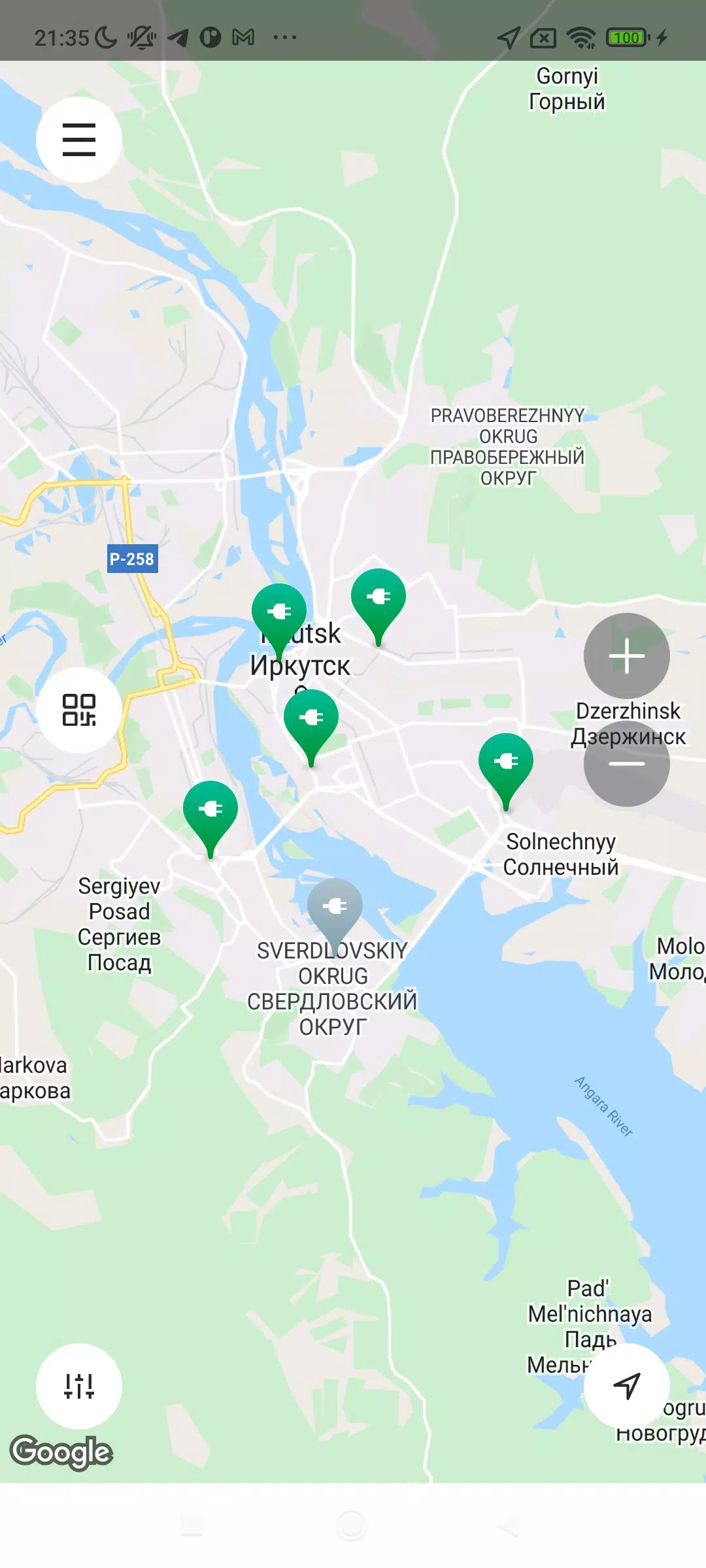
- Real-time connector availability displayed directly on the map (green = available, red = in use, gray = offline)
- Dynamic pin clustering for better visibility in dense urban areas
- One-tap navigation to any station with built-in turn-by-turn routing
🔍 Powerful New Search & Filter Tools
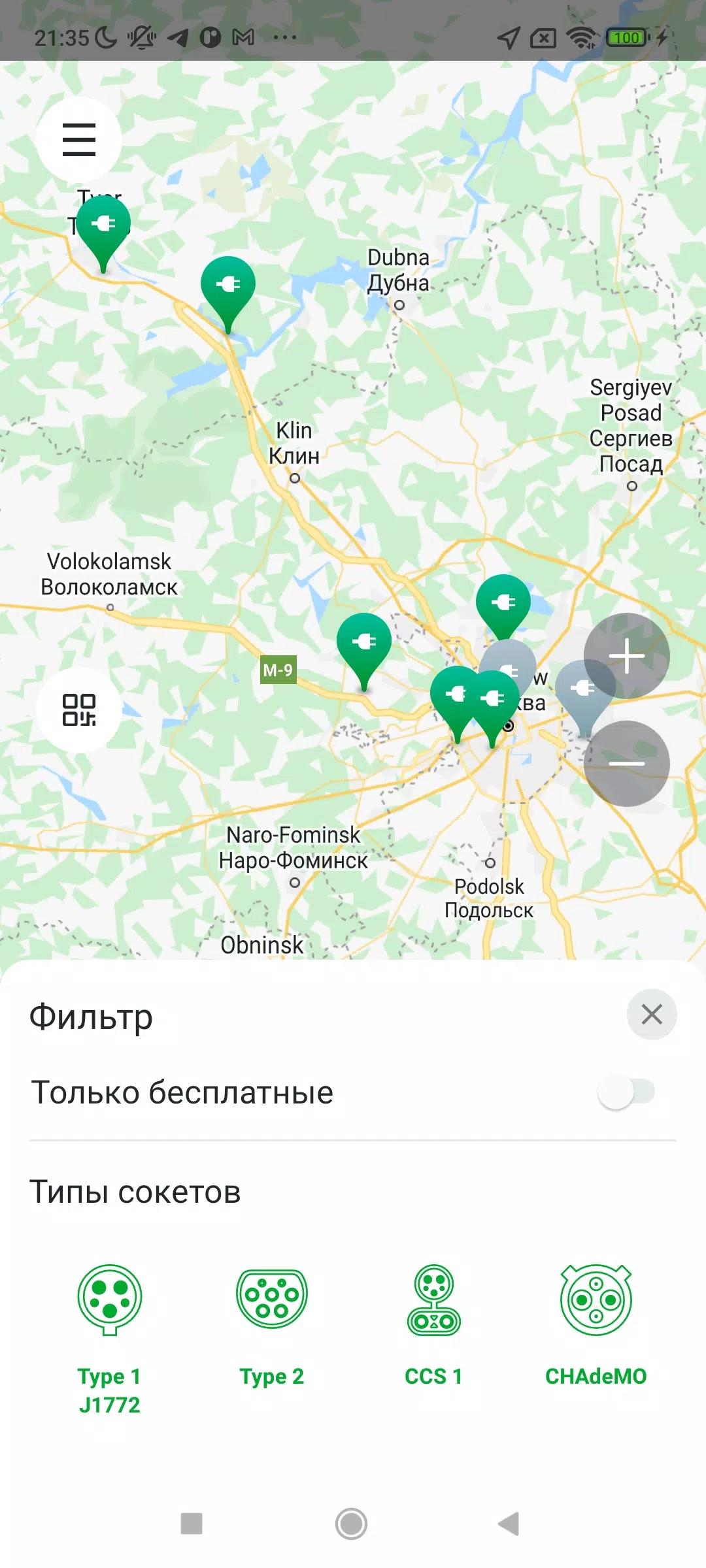
Find exactly what you need with our advanced filtering suite:
- Power Output: Filter by 50kW, 150kW, 350kW+, or custom ranges
- Price per kWh: Set budget-friendly thresholds (e.g., under $0.50/kWh)
- Current Type: AC (Level 2), DC (Fast), or both
- Status Filters:
- Only Operational Stations
- Only Available Chargers
- High-Rated Stations (4.5+ stars)
- Favorites: Easily identify your go-to charging spots
- Garage Integration: Save favorite stations to your personal garage (see below)
🏢 New Garage Feature – Your Personal Charging Hub
- Save and organize your favorite or frequently used charging stations
- Create custom garage groups: “On the Way to Work,” “Family Road Trips,” “Weekend Adventures”
- Coming Soon: Garage-based shortcuts, automatic route suggestions, and status alerts
📋 List View – Compare Stations at a Glance
- View all stations sorted by distance from you (nearest first)
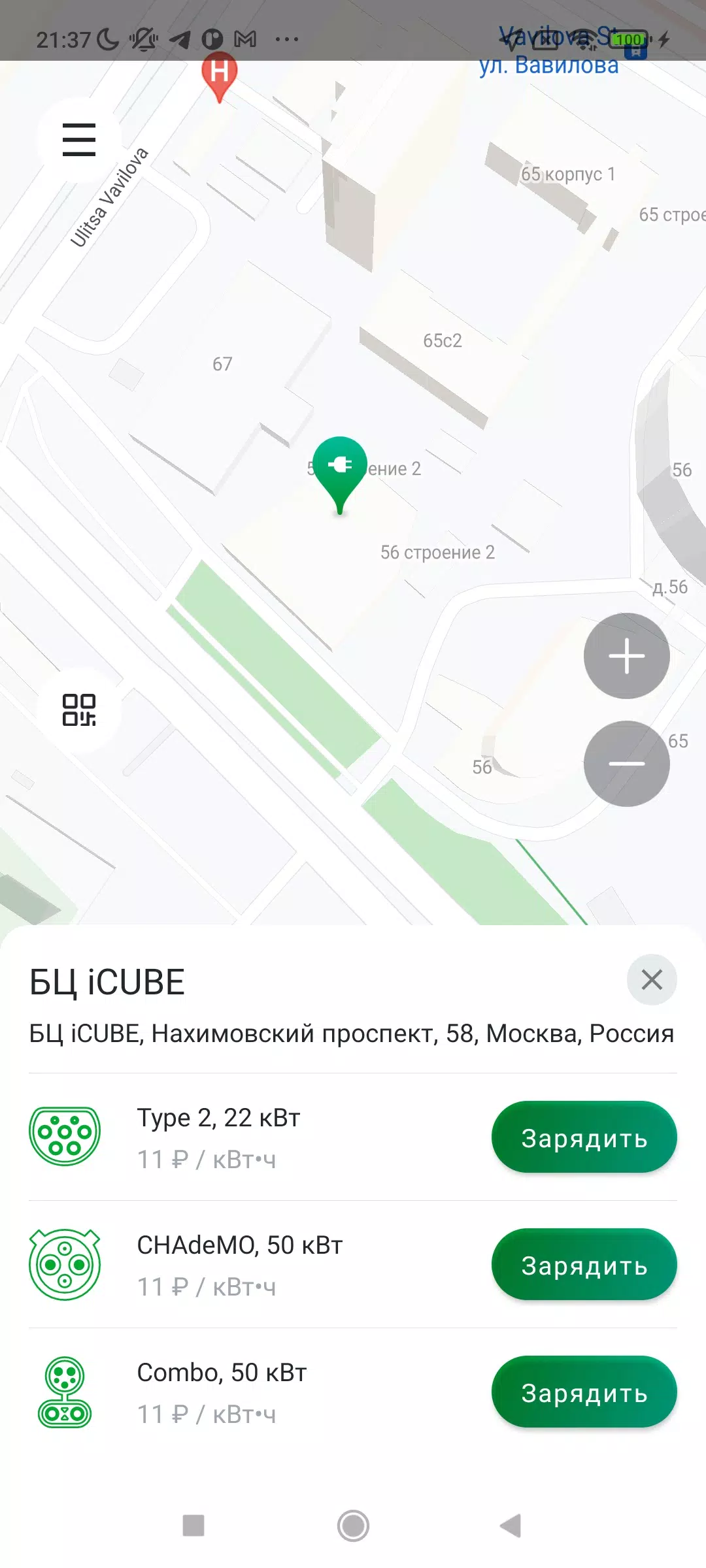
- Swipe to compare key specs: power, price, connector types, availability
- Ideal for road trips or comparing options near your destination
📸 Photo Upload & Community Insights
- Upload real photos of charging stations (including port visibility, signage, and surroundings)
- Verify uploads to ensure accuracy
- See community-submitted images and notes before you arrive
⭐ Rating & Review System
- Rate your experience: 1–5 stars
- Leave written feedback on charger reliability, cleanliness, customer service, and more
- View average ratings and read verified user reviews
❤️ Favorite Stations
- Tap the heart icon to mark a station as a favorite
- Access favorites quickly from the home screen and garage
💡 Why You’ll Love It:
- No more guesswork — see exactly which ports are free and how fast they charge.
- Stay within budget — filter by price per kWh and avoid surprise fees.
- Plan smarter — use your garage and favorites to build efficient charging routes.
- Contribute to the community — your photos and reviews help others make better choices.
🛠️ Coming Soon (Future Updates):
- Garage-based automatic route planning
- Push notifications for charger availability
- Integration with EV fleet management systems
- Multi-user garage sharing (for families, teams, or businesses)
📱 How to Get Started:
- Open EV Time – Charging Station Operator
- Tap the "Garage" icon in the bottom nav
- Start saving your favorite stations
- Use Filters, List View, and Photos to find the perfect spot
- Share your experience — rate, review, and upload!
🔋 Charge with Confidence. Drive with Freedom.
Thank you for being part of the EV revolution.
— The EV Time Team
November 5, 2024