 Download
Remove video backgrounds, erase photo backgrounds & change your video backdrop
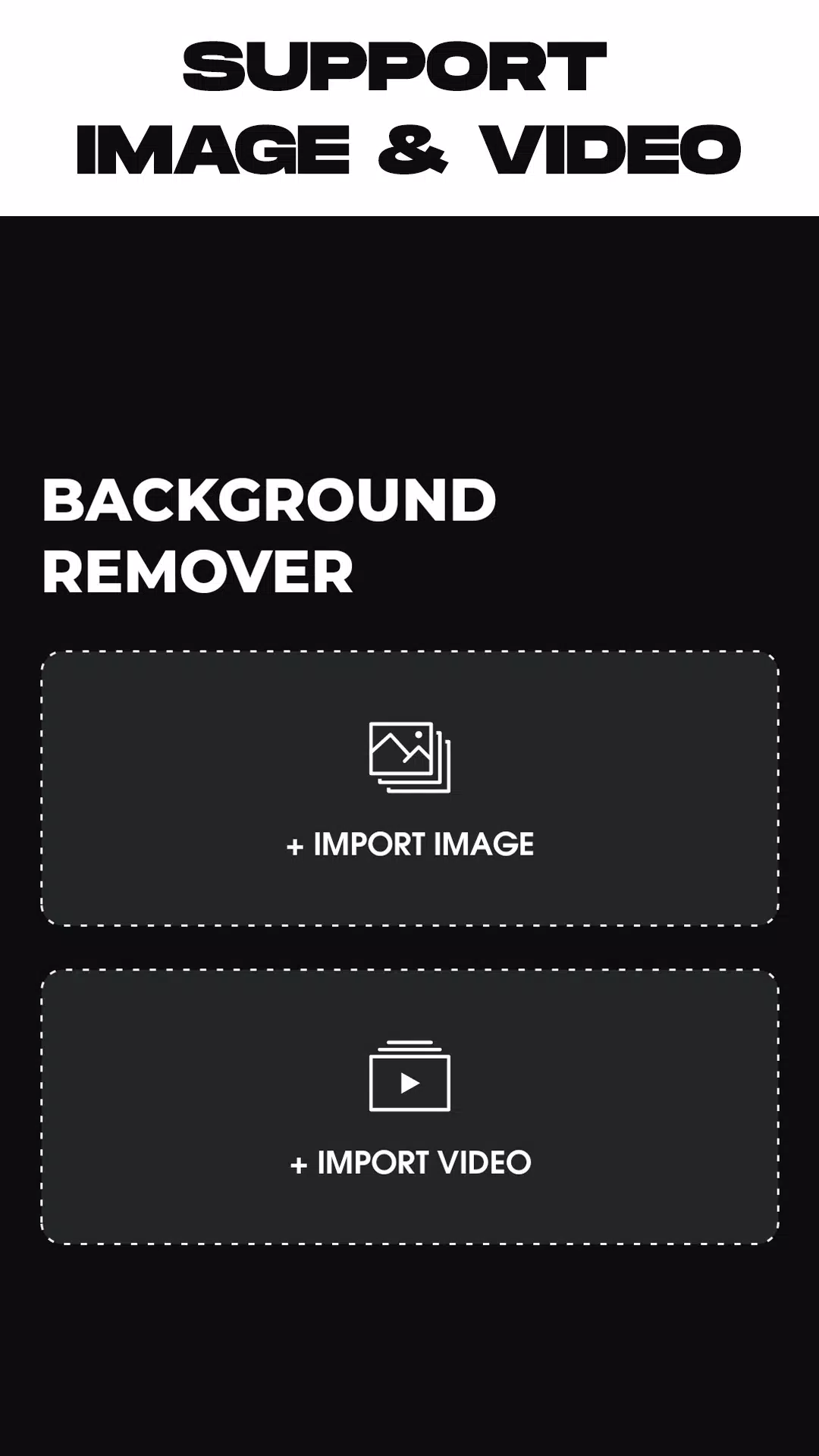
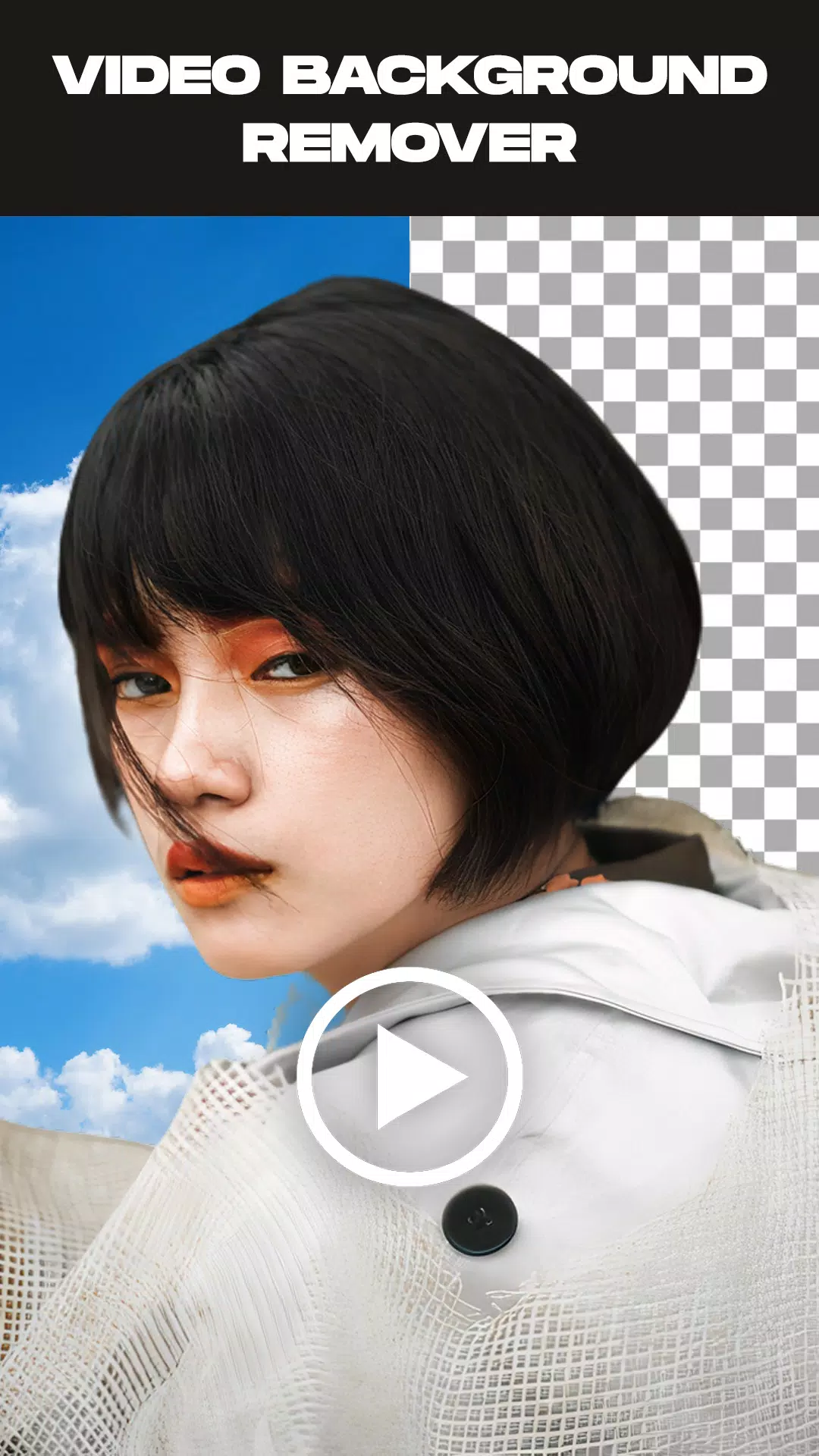
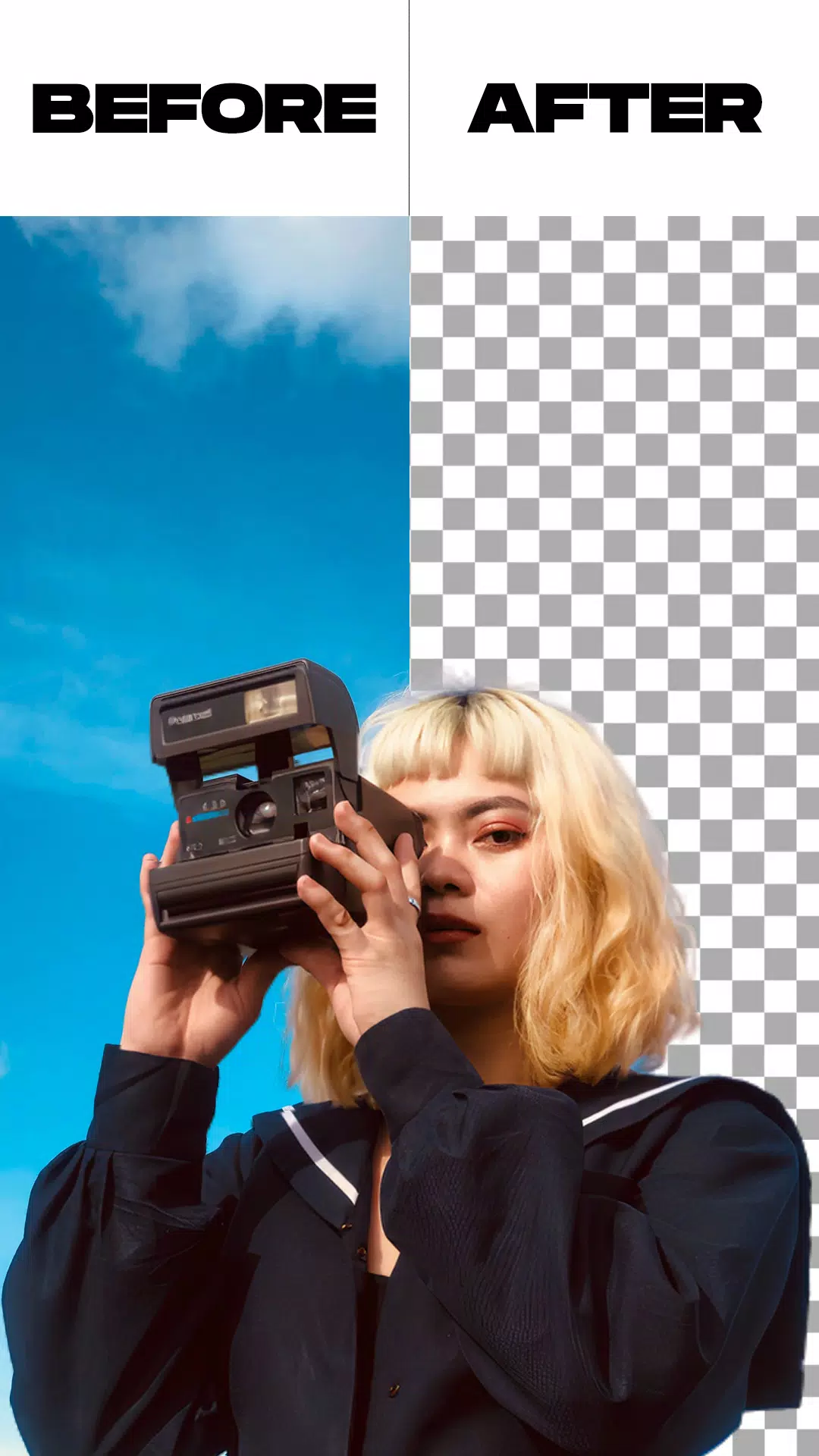
Remove Video Background is a versatile app for anyone looking to erase backgrounds from both videos and photos. It provides the tools to remove and replace backgrounds from your videos, whether sourced from your camera or gallery. The app offers two primary modes and includes extra capabilities like image background removal and the ability to swap a green screen for a background of your choice.
The Remove Video Background app is a free video background changer packed with features. You can replace your video backdrop with a solid color—the app includes thousands of colors and gradients to choose from. Simply select your favorite and apply it to your camera video's background.
Beyond colors and gradients, the app enables you to change your video background to any image from your gallery or even another video. With just one click, your new background is ready.
The green screen effect works with both front (selfie) and rear (back) cameras. Switch between them with a single tap, allowing you to change the background for video calls or standard recordings.
The green screen effect is a popular tool for making videos more creative and entertaining. But what exactly is it? Essentially, it's a filter that provides various background options you can use in videos for social media.
This feature mirrors the green screen technique used in superhero films, where actors perform against a backdrop that's later replaced with a digital scene. While widely successful online, do you know how to use this effect yourself?
Key Features:
- Remove the background from any image automatically or manually.
- Trim your video before starting the background removal process.
- Remove backgrounds from videos recorded with your camera or chosen from your gallery.
- Customize the green screen by replacing it with any background you prefer.
How to Use the App:
- Launch the Remove Video Background app.
- Select your desired mode: photo background removal or video background removal.
- After choosing your media file, the app automatically processes it to remove the background. Please wait for the process to complete.
- Once the background is removed, you can change it to your liking. Choose from a variety of in-app backgrounds or select one from your personal gallery.
- When you're finished, tap the export button to save your edited video or photo directly to your device's gallery.
What's New in the Latest Version 1.5.4
Last updated on May 26, 2024
* Minor bug fixes and performance improvements.