 Download
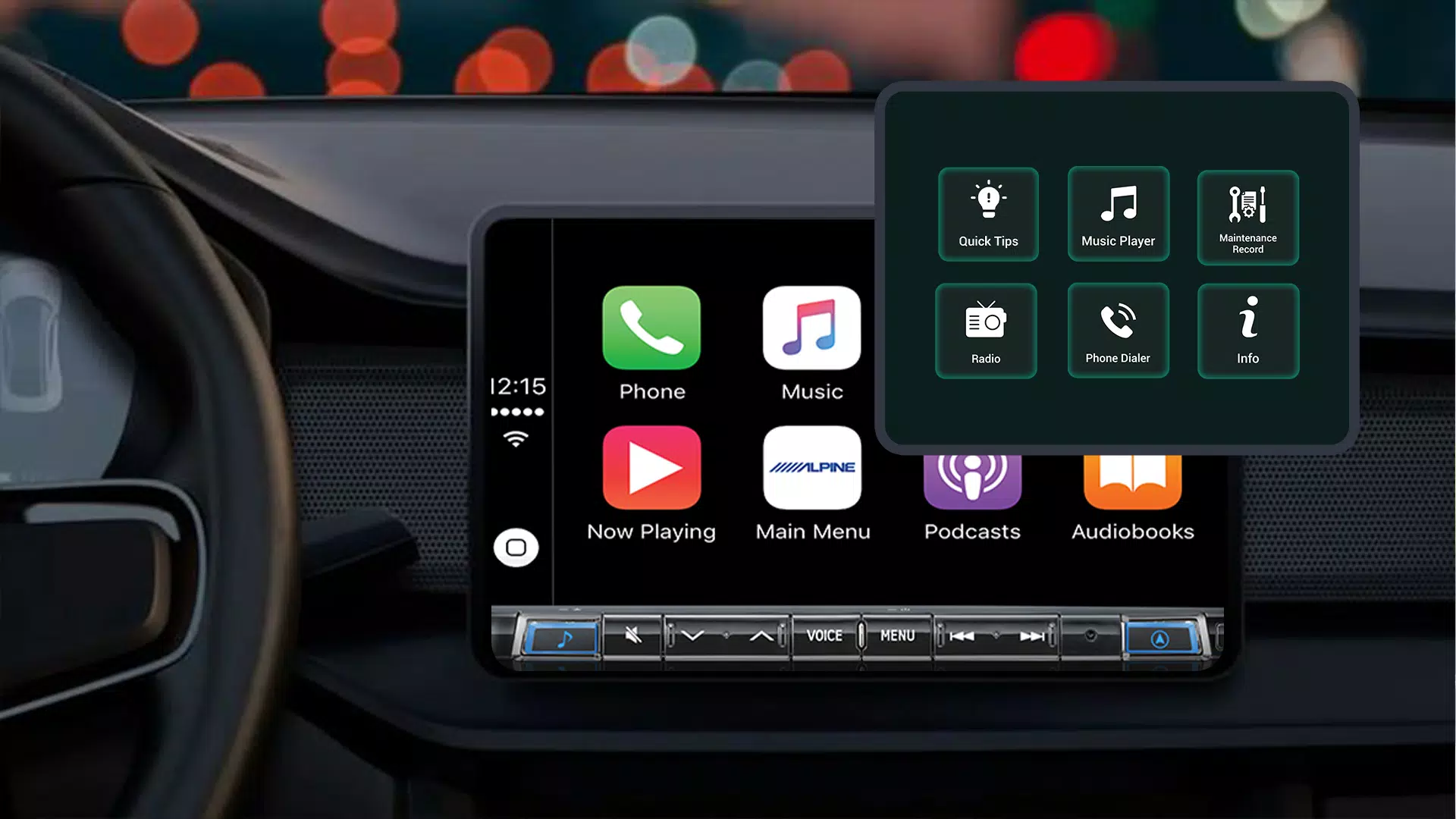
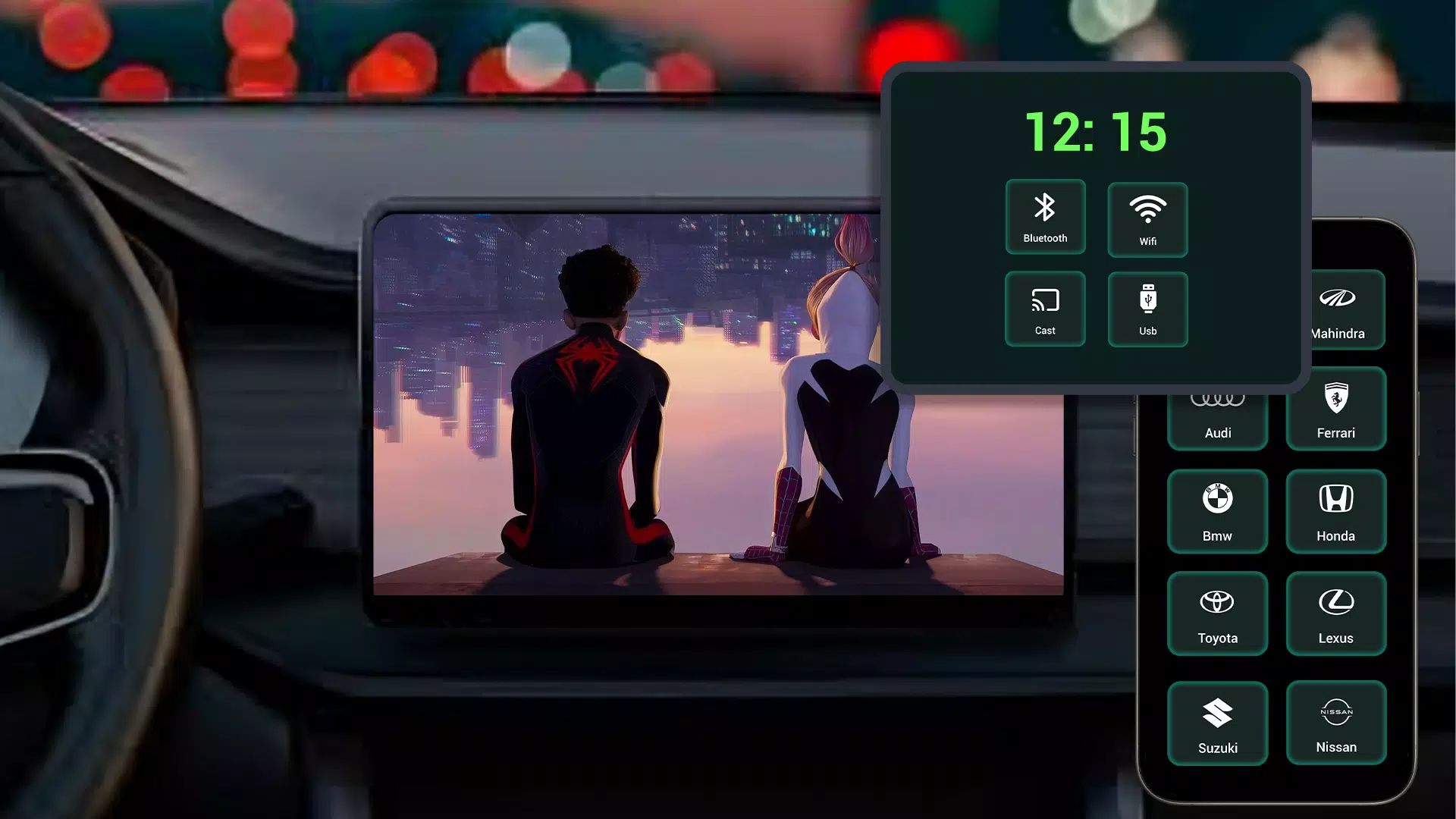
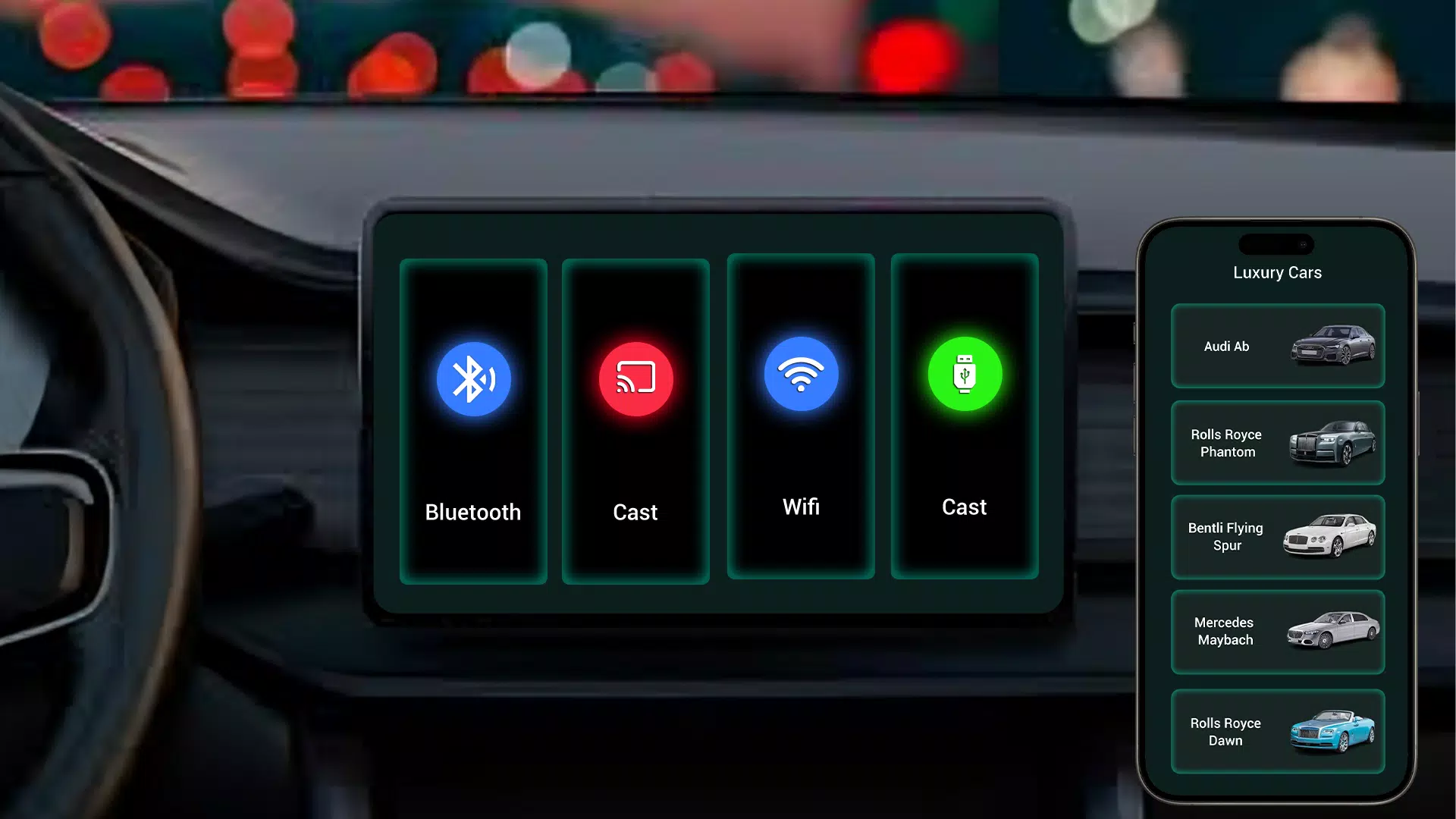
Easily sync your car display with Tima App for seamless mirror link features.
Tima App Car Link – Effortlessly Mirror Your Android to Your Car Display
Tima App Car Link simplifies connecting your Android phone to your car's display using the mirror link function. This app provides smooth integration between your smartphone and vehicle for convenient access to apps, navigation, and entertainment while you drive.
Key Features of Tima App Car Link:
Easy Car Display Connection: The Tima App mirror link feature enables a straightforward connection between your Android device and your car’s infotainment system for a seamless mirroring experience.
Effortless App Control: Access your favorite maps, media, and messaging apps directly from your car's display, promoting hands-free use and safer driving.
Media and Music Streaming: Play music, podcasts, or other media from your phone through your car audio system for enjoyable in-car entertainment.
User-Friendly Interface: With an intuitive and easy-to-navigate design, the app makes setting up and managing your car mirror link simple.
Reliable Connection: Enjoy a stable and secure link that syncs your phone with the car display without interruptions.
Why Choose Tima App Car Link?
The Tima App mirror link enhances your driving by giving you smooth control over phone apps, music, and navigation. Whether commuting or traveling longer distances, it keeps your smartphone connected to your car display for better usability and an improved in-car experience.
Enhanced Driving Safety
This feature supports safer driving by letting you operate phone functions via your car's infotainment system. Keep your focus on the road while still accessing important features without handling your phone.
Personalized App Integration
Tima App makes integrating your preferred apps with your car simple. Check routes, manage music, or send messages—all accessible right from your car display for smarter, more convenient driving.
Effortless Setup and Use
Setup is quick and user-friendly. Install the Tima App Car Link, connect your Android phone to the car display, and start mirroring right away. No complicated settings—just simple, effective connectivity.
Download the Tima App Car Link Now!
Upgrade your driving experience with Tima App Car mirror link. Download today to connect your Android device to your car’s infotainment system and use navigation, music, and apps on your car display. Enjoy smooth, hands-free control with Tima App now.
What's New in the Latest Version 1.1
Last updated on Oct 29, 2024
Minor bug fixes and improvements. Install or update to the latest version to see the changes!