 Download
MobileSyncApp: Effortlessly Transfer Files Between Android and Windows
MobileSyncApp is a user-friendly Android application designed for seamless file, folder, and text transfer between your Android device and Windows computer. This app streamlines file management by automating transfers, backups, and synchronization over Wi-Fi, eliminating manual file handling. Imagine your vacation photos and videos automatically appearing on your Windows PC as soon as you arrive home.
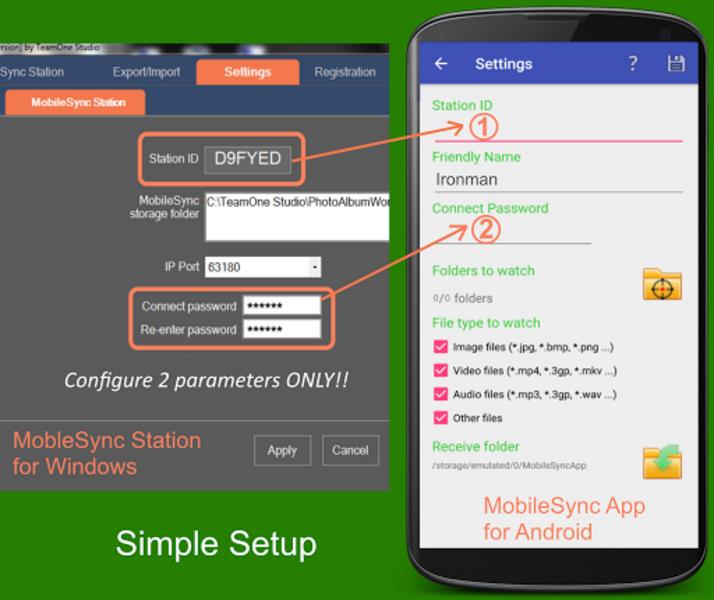
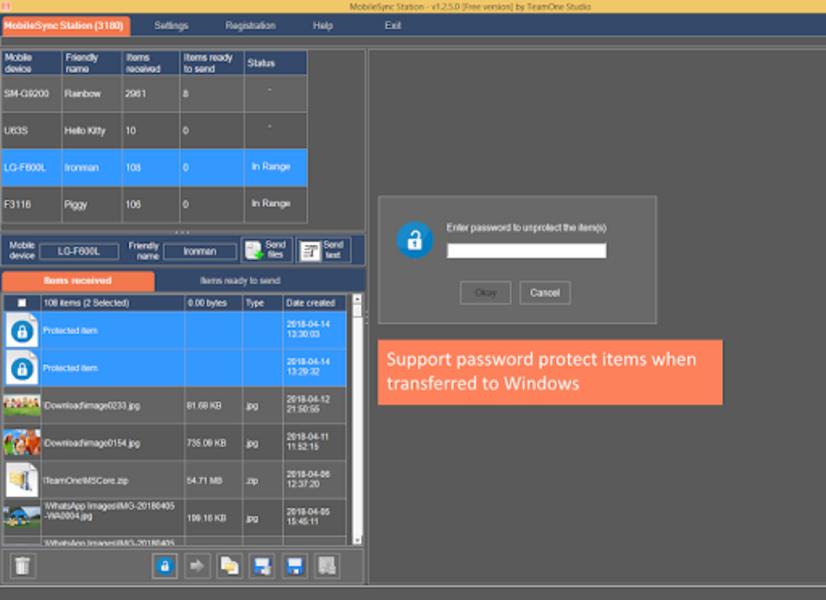
Setup is simple: just connect the app to MobileSyncStation on your Windows computer. Transfer files between your Android and Windows using the Android Share menu. The app also includes password protection for enhanced security of sensitive data.
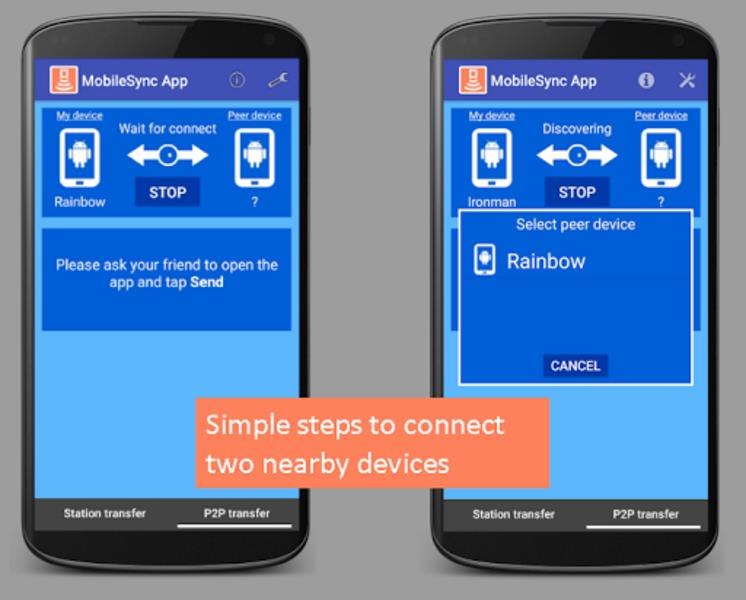
A key feature is its peer-to-peer (P2P) transfer capability, enabling file and folder sharing between Android devices via Wi-Fi Direct, bypassing mobile data usage. For even faster transfers, utilize the direct mode connection for wireless file transfer between your PC and Android device.
Beyond file transfer, MobileSyncApp mirrors notifications, allowing you to view and respond to Android notifications directly from your PC. You can also send and receive SMS messages and access your contacts.
MobileSyncApp is completely ad-free and offers a fully functional free version. Download the free MobileSync software from the Microsoft Store today and experience its benefits.
App Features:
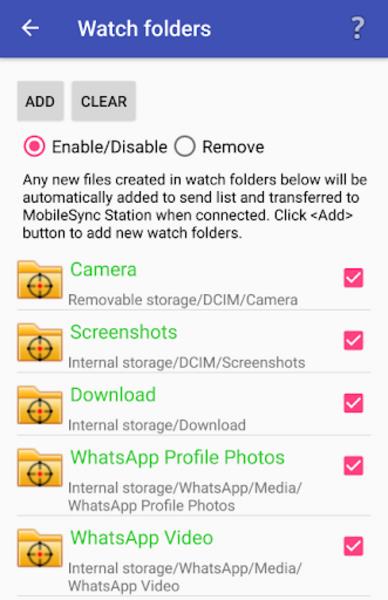
- Automated File Transfer, Backup, and Sync: Seamlessly transfer files, folders, and text between Android and Windows, with automatic backups and synchronization over Wi-Fi.
- Peer-to-Peer (P2P) Transfer: Share files and folders between Android devices using Wi-Fi Direct without consuming mobile data.
- Direct Mode Connection: Enjoy remarkably fast wireless file transfers between your Windows PC and Android device.
- Notification Mirroring: Receive and respond to Android notifications from your PC.
- SMS and Contacts Access: View, send, and manage SMS messages and contacts from your PC.
- Ad-Free and Free Version Available: Enjoy a fully functional, ad-free experience with the free version.
In Conclusion:
MobileSyncApp provides a reliable and efficient solution for managing files and syncing data between Android and Windows. Its ease of use, combined with features like automated transfers, P2P sharing, and direct mode connections, makes it a valuable tool for simplifying file management and enhancing productivity. Download the free version from the MobileSync website to experience its advantages.