 Download
First-Person Soccer Game Experience
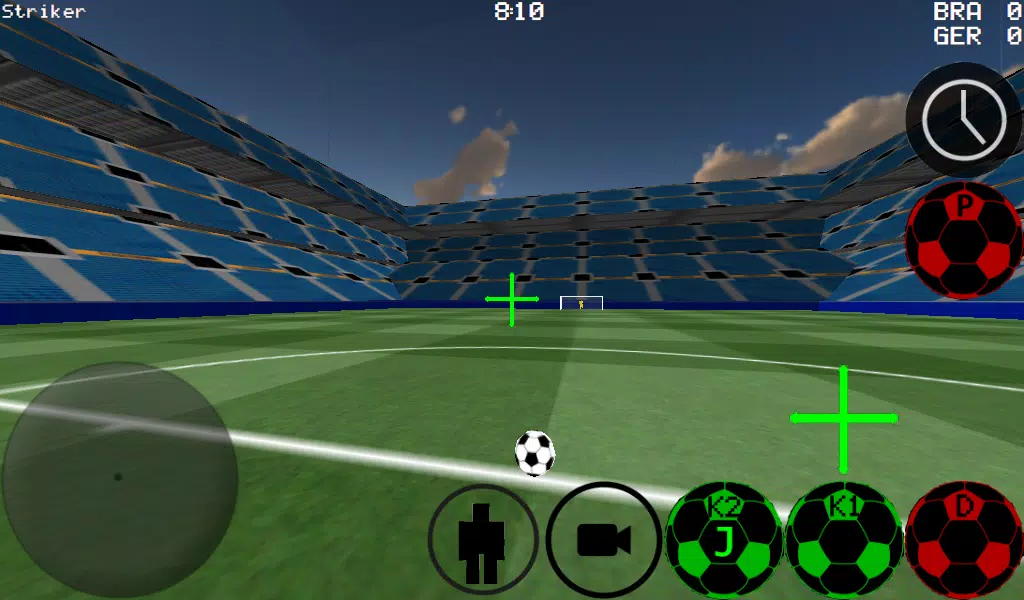
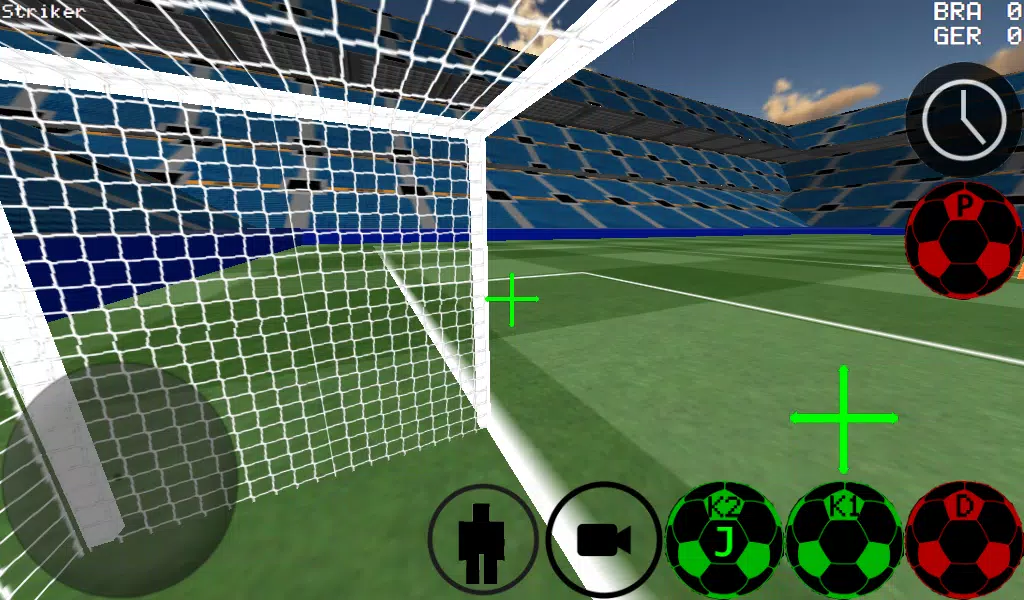
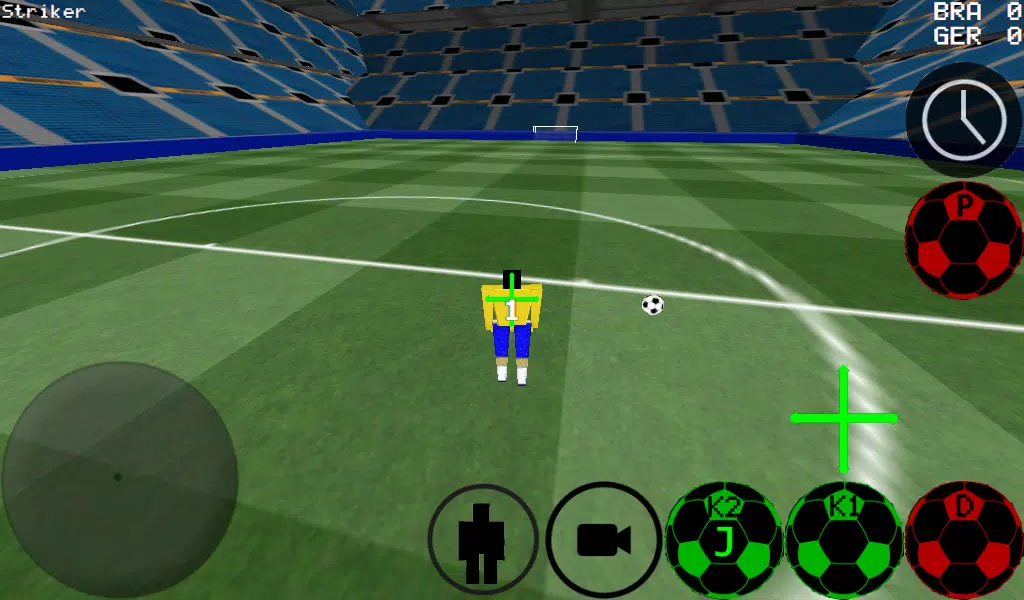
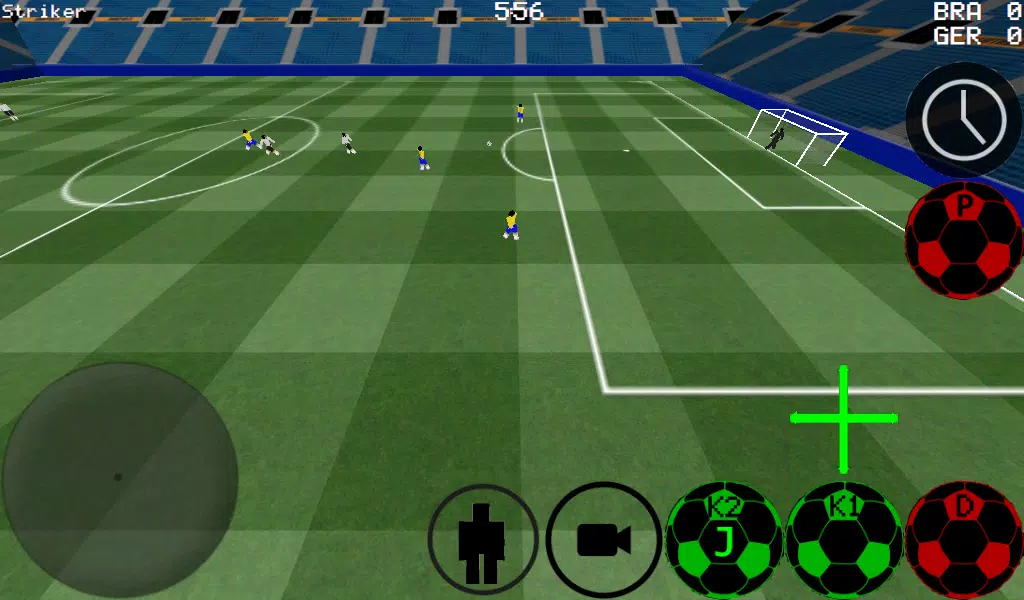
Experience soccer from a first-person perspective, with additional support for third-person, top-down, and stadium camera views.
-Advanced ball control for dribbling and precise kicking.
-Play matches from 4 vs. 4 up to 11 vs. 11.
-Take control of any player on the field.
-Features both auto-dribble and manual dribble options.
-Play as the goalkeeper and make crucial saves.
-Practice free kicks to perfect your technique.
-Hone your skills with corner kick practice.
-Train with wall passing and control drills.
-Show off your skills with freestyle moves.
-Control ball spin for realistic physics.
-Activate slow-motion time to line up the perfect shot.
-Supports multiplayer via LAN and Internet for games up to 5 vs. 5.
-K1 and K2 buttons kick the ball in the direction you are looking.
-Play in two unique stadiums.
-Experimental Xbox 360 Controller support via USB connection.
Xbox 360 USB Controller Layout
A = Dribble / Control Ball
X = Medium-Power Kick (in Camera Direction)
Y or RIGHT BUTTON = High-Power Kick (in Camera Direction)
B = PASS (AI passes to selected player)
START = Switch Camera View
LEFT Button = Activate Slow Time
UP on D-PAD = Change Controlled Player
BACK = RETURN TO MAIN MENU
RIGHT HAT (Right Stick) = Camera Control
LEFT HAT (Left Stick) = Player Movement
Setting up a WAN/LAN server:
1. Turn on Wi-Fi (ensure a connection to your Router/Modem).
2. Click on the LAN GAME option.
3. Click on START SERVER.
4. Click Connect (once or twice). You are now connected to the server as a player and are also hosting the server.
For a second player to connect to the server:
1. Turn on Wi-Fi (ensure connection to the same Router/Modem as the server).
2. Click on the LAN GAME option.
3. Click on CONNECT a few times. (You are now connected to the game).
Playing over the Internet (Creating a Server)
1. Port forward port 2500 on your Modem/Router to your phone or tablet's IP address.
2. Click on LAN GAME.
3. Click on START SERVER.
4. Click Connect (once or twice). You are now connected to the server as a player and are also hosting the server.
CONNECTING TO AN INTERNET SERVER
1. CLICK LAN CONNECT.
2. CLICK IP / TO SERVER.
3. ENTER THE SERVER'S IP ADDRESS (e.g., 201.21.23.21) and click connect. Try once or twice until you join.










![Taffy Tales [v1.07.3a]](https://imgs.ehr99.com/uploads/32/1719554710667e529623764.jpg)