 Télécharger
Here's a clear, organized, and user-friendly summary of the First-Person Soccer Game Experience you provided — perfect for a guide, FAQ, or onboarding tutorial:
🏆 First-Person Soccer Game Experience – Player Guide
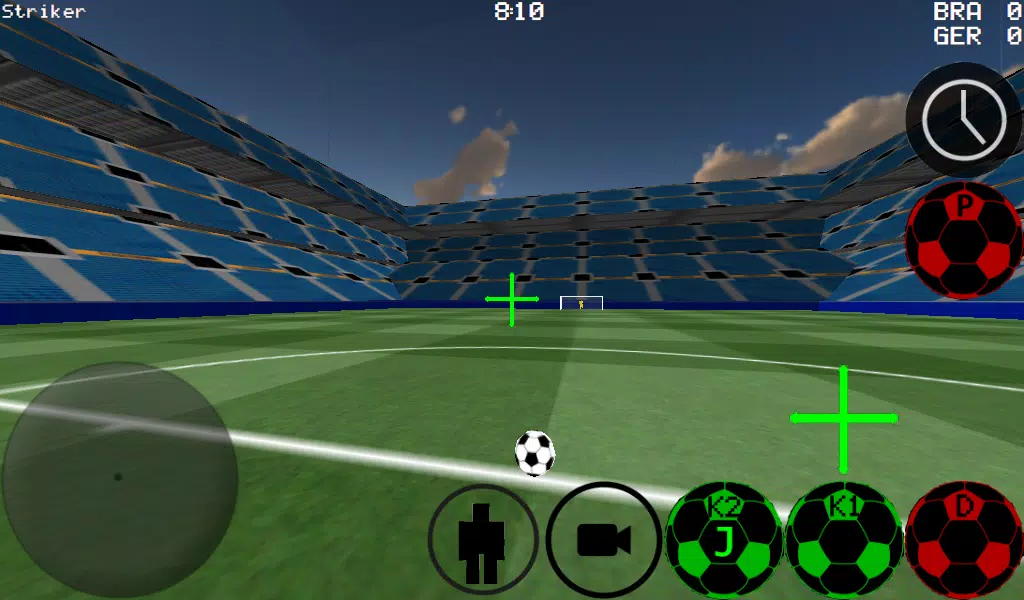
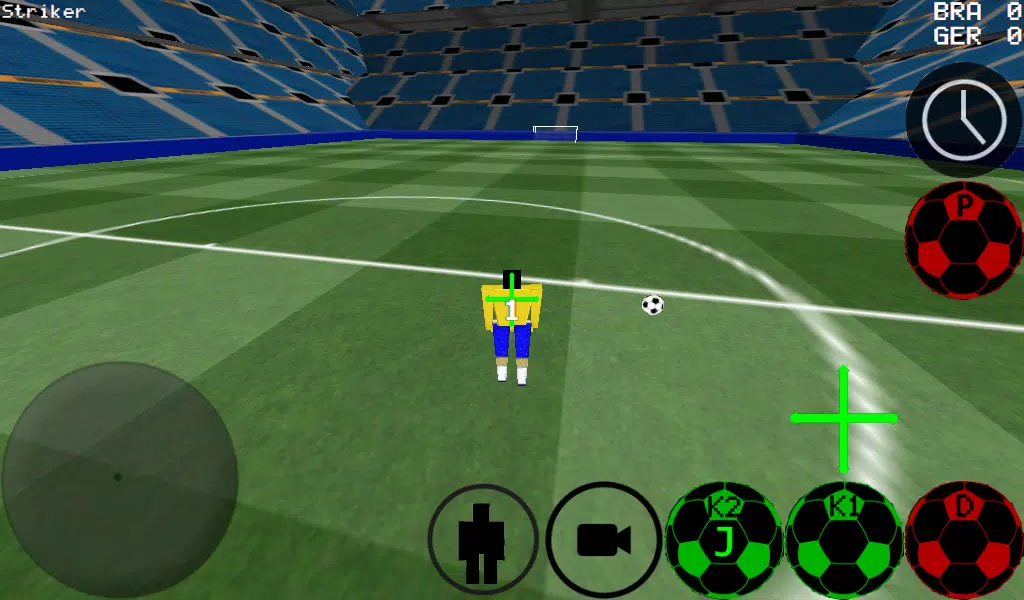
Step into the action like never before with a fully immersive, first-person soccer experience that brings the thrill of the pitch to life. Whether you're dribbling past defenders or pulling off a rocket strike, this game puts you in full control — with multiple camera views, advanced mechanics, and online multiplayer support.
🎮 Key Features
-
Multiple Camera Perspectives:
- First-Person (immersive gameplay)
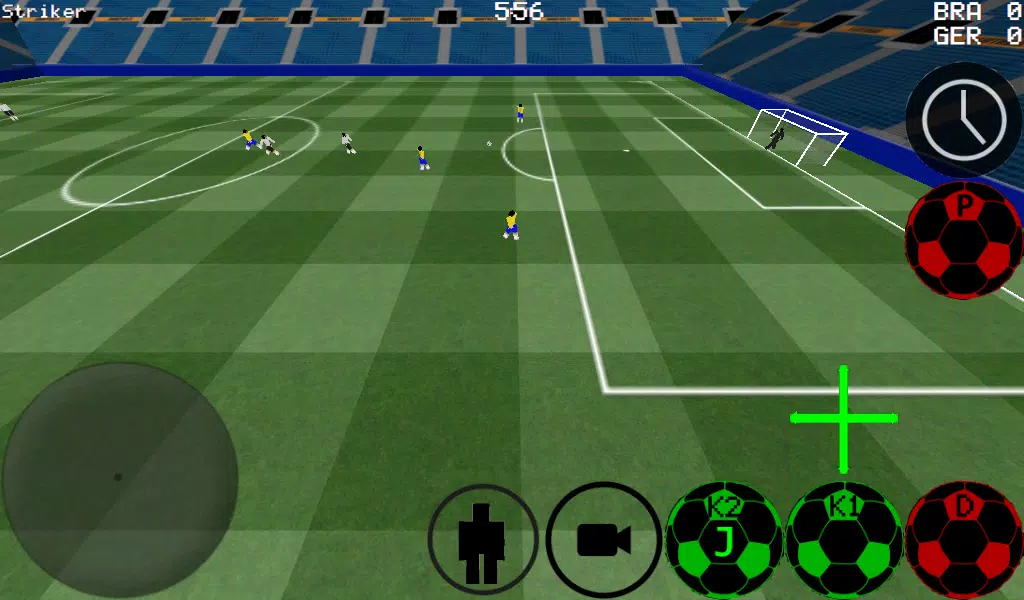
- Third-Person (for better situational awareness)
- Top-Down (great for strategy)
- Stadium View (perfect for watching the full field)
-
Realistic Ball Control:
- Manual dribble & auto-dribble modes
- Realistic ball spin physics (affects bounce, curve, and trajectory)
- Precise kicks using camera direction
-
Full Team Control:
- Switch between any player on the field
- Control the goalkeeper and make game-changing saves
- Assign pass targets with the B button (AI-assisted passing)
-
Skill Development Mode:
- Practice free kicks (perfect your technique)
- Train with corner kicks
- Wall passing and control drills for ball mastery
- Freestyle moves to show off your flair
-
Advanced Gameplay Tools:
- Slow-Motion Time (Left Button): Activate to line up the perfect shot or save
- K1 & K2 Buttons: Kick the ball in the direction you're looking (ideal for precision)
- D-Pad Navigation: Switch players (UP), change views (START), or activate slow-mo (LEFT)
🎮 Xbox 360 Controller Layout (USB Supported – Experimental)
| Button | Function |
|---|---|
| A | Dribble / Control Ball |
| X | Medium-Power Kick (in camera direction) |
| Y / Right Button | High-Power Kick (in camera direction) |
| B | Pass to selected teammate (AI-assisted) |
| START | Switch Camera View |
| LEFT Button (D-Pad) | Activate Slow-Motion Time |
| UP on D-Pad | Switch to next player |
| BACK | Return to Main Menu |
| Left Stick (Hat) | Player Movement |
| Right Stick (Hat) | Camera Control |
🔌 Note: Xbox 360 USB controller support is experimental. Ensure proper driver installation and stable connection.
🌐 Multiplayer Setup
📶 LAN Game (Local Network Play)
Host a Server:
- Turn on Wi-Fi and connect to your router/modem.
- Launch the game → Select LAN GAME.
- Tap START SERVER.
- Tap CONNECT once or twice — you’re now both host and player.
Join the Game (Player 2):
- Connect to the same Wi-Fi network.
- Go to LAN GAME → Tap CONNECT.
- Wait for connection confirmation.
🌍 Internet Play (WAN – Online Multiplayer)
Host a Server:
- Port Forwarding Required:
- Open port 2500 on your modem/router.
- Forward it to your device’s local IP address (e.g., 192.168.1.100).
- Launch game → Select LAN GAME.
- Tap START SERVER.
- Tap CONNECT — you’re now hosting and playing.
⚠️ Ensure firewall settings allow port 2500 traffic.
Join an Internet Server:
- Tap LAN GAME → IP / TO SERVER
- Enter the server’s public IP address (e.g.,
201.21.23.21) - Tap CONNECT — try once or twice if needed
💡 Tip: Use a static IP or DNS name for stable connections.
🏟️ Playgrounds
Experience matches in two unique stadiums:
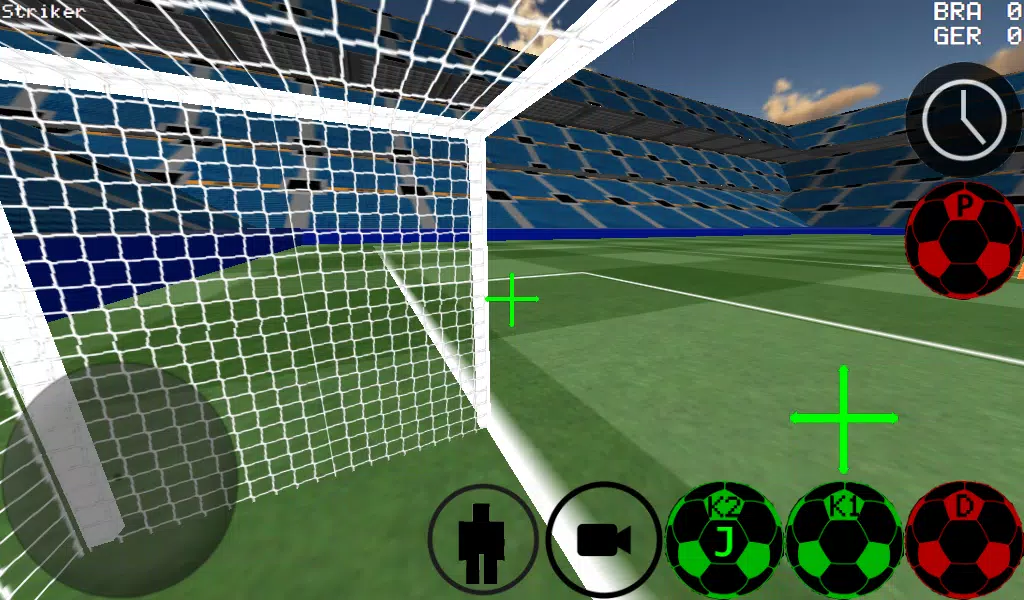
- Stadium A: Modern pitch with full crowd atmosphere
- Stadium B: Classic outdoor field with natural lighting and textures
🎯 Pro Tips
- Use Slow-Motion (Left Button) to aim free kicks or prepare for saves.
- Master ball spin to curve shots around walls or defenders.
- Use Manual Dribble for tight control in tight spaces.
- Practice in Training Mode to sharpen reflexes before multiplayer matches.
❓ Troubleshooting
- Can’t connect? Check Wi-Fi, port forwarding, and firewall settings.
- Controller not responding? Reconnect via USB; ensure drivers are installed.
- Laggy gameplay? Lower graphics settings or ensure stable internet.
🔥 Get ready to dominate the pitch — from the first touch to the final whistle.
Play solo. Train hard. Compete online. Be the hero.
Let me know if you'd like this turned into a PDF manual, in-game help menu text, or a video script!








![Taffy Tales [v1.07.3a]](https://imgs.ehr99.com/uploads/32/1719554710667e529623764.jpg)